

Archive test number of generations
When you call the Generate endpoint, you have the option to generate multiple generations in a single call. This is done by setting the num_generations parameter.
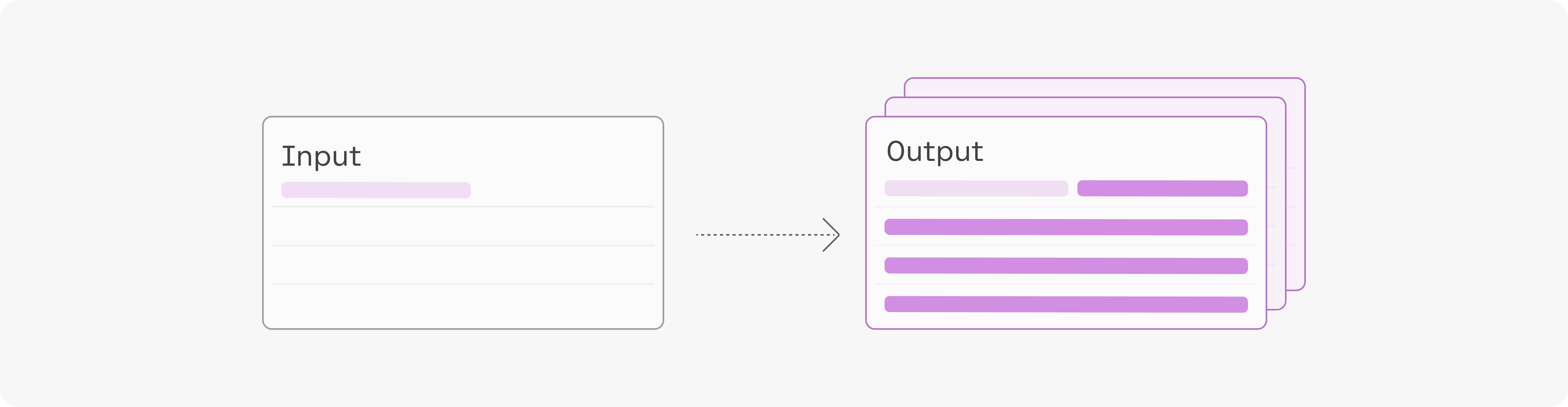
The model’s outputs will vary depending on the generation settings you have specified, such as temperature, top-k, and top-p.
Each generation comes with its set of log likelihood values, which consists of:
- The log likelihood of each generated token.
- The average log likelihood of all generated tokens.
NOTE: log likelihoods are not returned by default because the return_likelihoods argument defaults to “NONE”. You can change this to get back the model's log likelihood values.
Example
Section titled “Example”This example uses the input: “This curved gaming monitor delivers ...”
The output generated with a maximum token set of 4 and sorted by average token log likelihood are:
| Likelihood | Text |
|---|---|
| -0.96 | a truly immersive experience |
| -1.11 | a virtually seamless view |
| -1.70 | the ultimate viewing experience |
| -2.15 | a 144Hz rapid |
| -2.44 | a comfortable and stylish |
You can use these outputs in a number of ways, by selecting the one with the highest log likelihood as the final output, for example, or by presenting them as options in your application.