

Unlocking the Power of Multimodal Embeddings
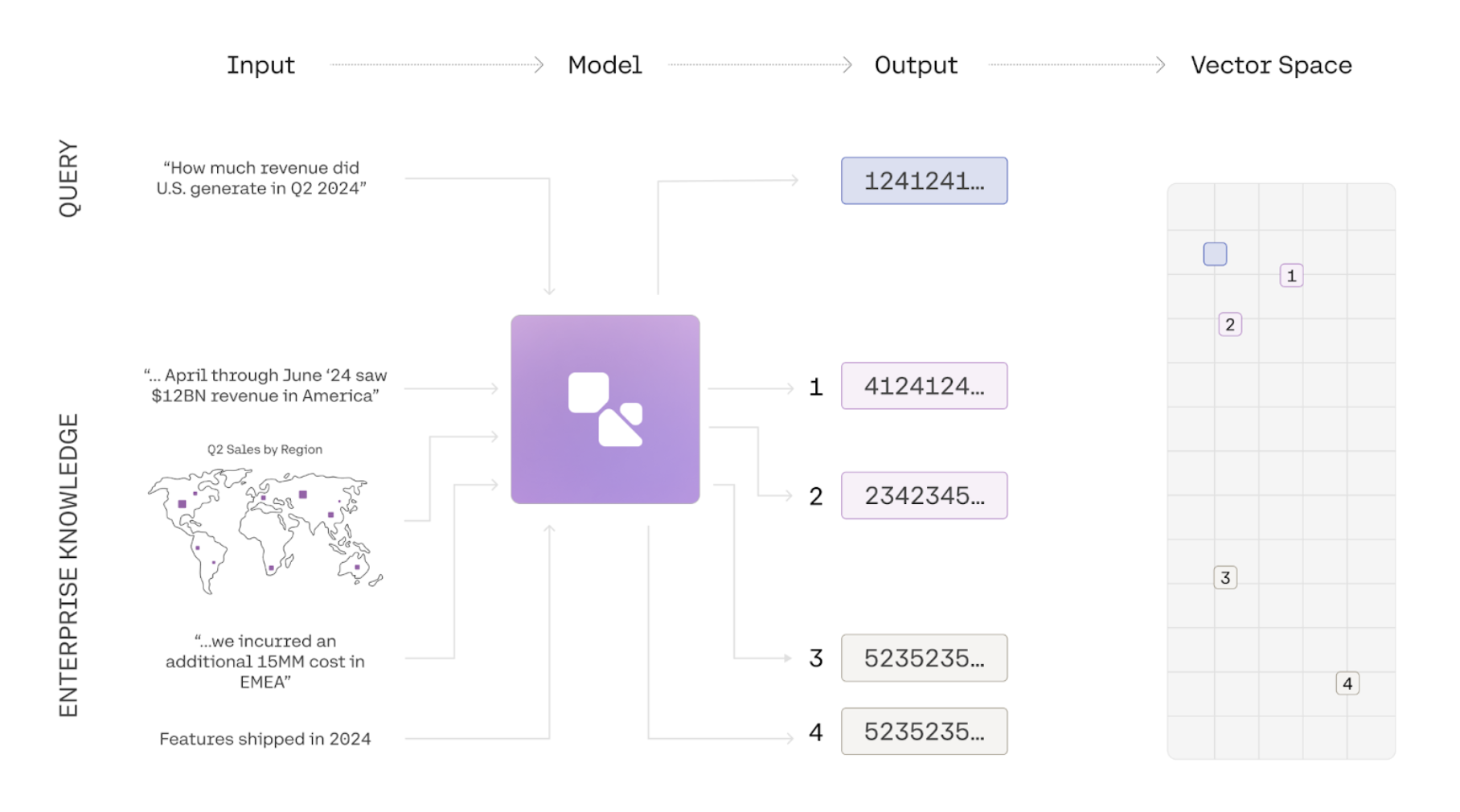
In this guide, we show you how to use the embed endpoint to embed a series of images. This guide uses a simple dataset of graphs to illustrate how semantic search can be done over images with Cohere. To see an end-to-end example of retrieval, check out this notebook.
Introduction to Multimodal Embeddings
Section titled “Introduction to Multimodal Embeddings”Information is often represented in multiple modalities. A document, for instance, may contain text, images, and graphs, while a product can be described through images, its title, and a written description. This combination of elements often leads to a comprehensive semantic understanding of the subject matter. Traditional embedding models have been limited to a single modality, and even multimodal embedding models often suffer from degradation in text-to-text or text-to-image retrieval tasks. embed-v4.0 and the embed-v3.0 series of models, however, are fully multimodal, enabling them to embed both images and text effectively. We have achieved state-of-the-art performance without compromising text-to-text retrieval capabilities.
How to use Multimodal Embeddings
Section titled “How to use Multimodal Embeddings”1. Prepare your Image for Embeddings
Section titled “1. Prepare your Image for Embeddings”The Embed API takes in images with the following file formats: png, jpeg,Webp, and gif. The images must then be formatted as a Data URL.
# Import the necessary packages
import os
import base64


# Defining the function to convert an image to a base 64 Data URL
def image_to_base64_data_url(image_path):
    _, file_extension = os.path.splitext(image_path)
    file_type = file_extension[1:]

    with open(image_path, "rb") as f:
        enc_img = base64.b64encode(f.read()).decode("utf-8")
        enc_img = f"data:image/{file_type};base64,{enc_img}"
    return enc_img


image_path = "<YOUR IMAGE PATH>"
processed_image = image_to_base64_data_url(image_path)


# format the input_object
image_input = [
    {"content": [{"type": "image", "image": processed_image}]}
]

res = co.embed(
    model="embed-v4.0",
    inputs=image_input,
    input_type="search_document",
    output_dimension=1024,
    embedding_types=["float"],
)
res.embeddings.float
2. Call the Embed Endpoint
Section titled “2. Call the Embed Endpoint”# Import the necessary packages
import cohere
co = cohere.ClientV2(api_key="<YOUR API KEY>")
# format the input_object
image_input = [
{"content": [{"type": "image", "image": processed_image}]}
]
co.embed(
model="embed-v4.0",
inputs=image_input,
input_type="search_document",
embedding_types=["float"],
)Sample Output
Section titled “Sample Output”Below is a sample of what the output would look like if you passed in a jpeg with original dimensions of 1080x1350 with a standard bit-depth of 24.
{
    'id': '0d9bb922-f15f-4b8b-9a2f-72577324528f',
    'texts': [],
    'images': [{'width': 1080, 'height': 1350, 'format': 'jpeg', 'bit_depth': 24}],
    'embeddings': {'float': [[-0.035369873, 0.040740967, 0.008262634, -0.008766174, .....]]},
    'meta': {
    'api_version': {'version': '1'},
    'billed_units': {'images': 1}
    },
    'response_type': 'embeddings_by_type'
}