

Model Vault Home Page
Find and manage all of your vaults (Standard and Encrypted) from one place on the Model Vault home page.
All of your vaults live in one place. Navigate to https://dashboard.cohere.com/ and select Vaults from the left-hand menu.
This opens the Model Vaults page, where you can:
- View and manage existing Vaults, both Standard and Encrypted
- Create new Vaults
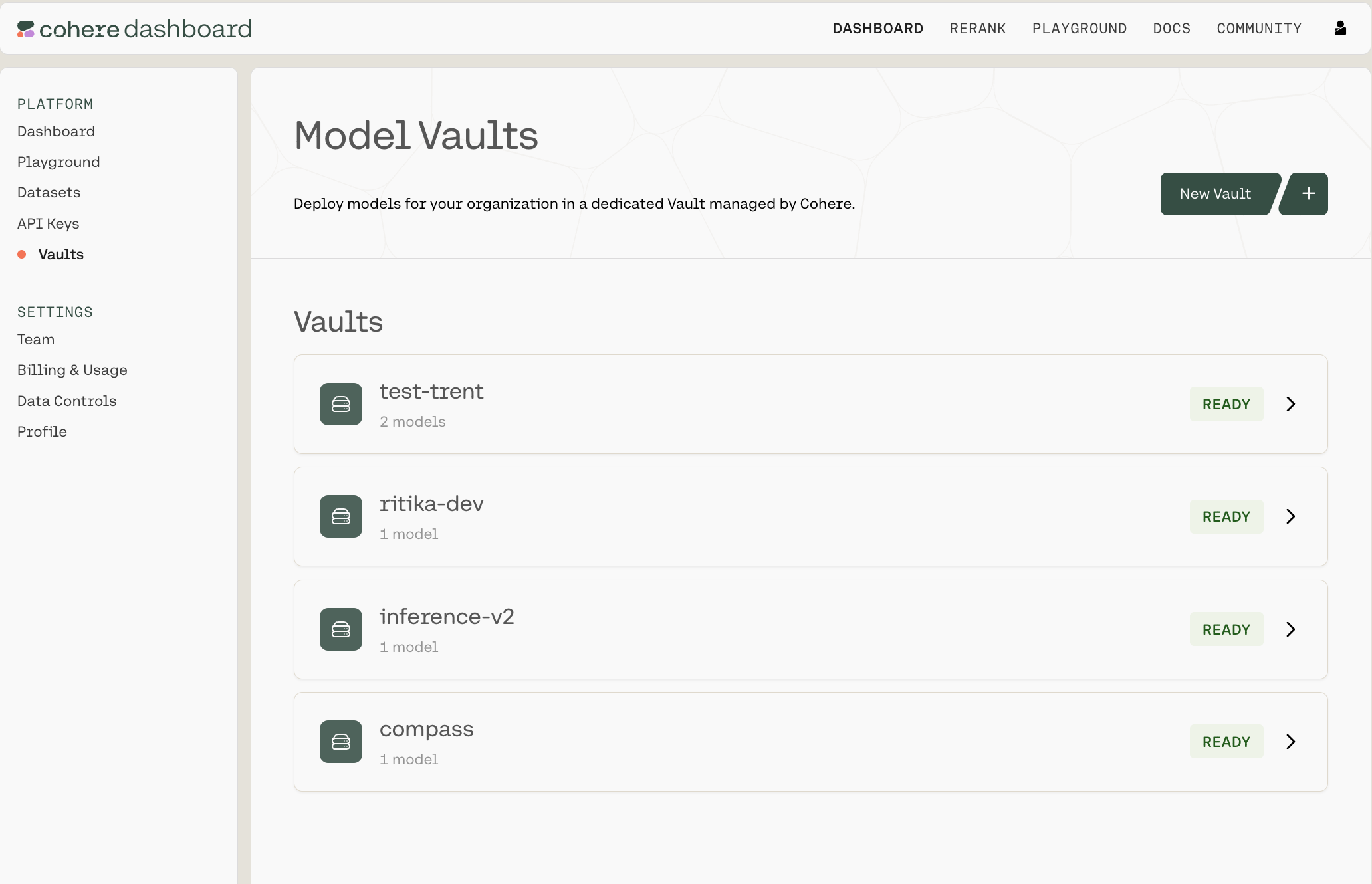
Each Vault will have a status tag with one of the following values:
- Pending
- Deploying
- Ready
- Degraded